
Search for “Amazon SES pricing” and you will find dozens of articles repeating the same number: $0.10 per 1,000 emails. It shows up in comparison posts, agency blogs, and even competitors’ pages.
It is out of date. AWS restructured SES pricing in July 2026, and no plan carries that rate today.
If you are evaluating SES for your campaigns, here are the real numbers, taken from the official Amazon SES pricing page in September 2026.
What Amazon SES is (and is not)
SES is Amazon’s sending infrastructure. You hand it an email and it handles delivery, bounce processing and IP reputation.
What it is not: an email marketing tool. SES has no contact lists, no visual editor, no segmentation, no automation, no campaign reports and no unsubscribe management. It is a pipe, not a platform.
That distinction decides whether SES is right for you, and we come back to it at the end.
What changed in July 2026
AWS moved from a single volume-based rate to three plans. The pricing page also states that new accounts, and accounts with no metered SES activity since June 1, 2025, start on the Essentials plan beginning July 21, 2026.
If you opened your account years ago and kept sending, you are likely on prior terms. If you are starting now, the new plans apply.
The three plans, with prices
| Plan | Per 1,000 emails | Monthly fee |
|---|---|---|
| Essentials | $0.16 | — |
| Pro | $0.22 | $105 per account per region |
| Enterprise | $0.23 | $500 |
Those per-email prices are the first tier, 0 to 10 million messages a month; they drop above that. AWS notes that rates apply marginally: each rate covers only the emails inside its tier, not your whole volume.
Other charges are billed separately. The common ones:
- Managed dedicated IP: $15 per month per account.
- Standard or bring-your-own dedicated IP: $24.95 per month per IP.
- Attachments: $0.12 per GB.
The 3,000-email free tier is gone
For years SES included 3,000 free messages a month for 12 months. That SES-specific free tier no longer exists.
What replaced it is the general AWS scheme: new AWS customers receive up to $200 in credits, available for 6 months after account creation and usable within the first 12 months.
That is money, not emails. And it is shared across every AWS service you use, not just SES.
What sending actually costs
On the Essentials plan, where most new accounts land:
| Emails per month | Approximate SES cost |
|---|---|
| 10,000 | $1.60 |
| 100,000 | $16 |
| 500,000 | $80 |
| 1,000,000 | $160 |
Put that way, it is cheap. But the number is incomplete, and this is exactly where most comparisons go wrong.
What SES does not include and you will still need
To run a real campaign, on top of SES you need:
- Somewhere to store and segment contacts.
- An editor so you are not hand-writing HTML.
- Signup and unsubscribe handling, with the headers Gmail and Yahoo require.
- Bounce and complaint logging, wired to SES notifications.
- Open and click reporting.
- Automation, if you want anything beyond one-off sends.
You solve that one of three ways: build it, buy another tool that connects to SES, or use a platform that already includes it and lets you plug in your own SES.
Your real cost is the sum of all of it. Comparing $16 of SES against $100 for a complete platform is not comparing the same thing.
Getting started, step by step
1. Verify your domain. In the SES console, under Verified identities, add your domain. AWS gives you DKIM CNAME records to publish in your DNS. Verify the whole domain, not just one address: that is what lets you send from any mailbox on that brand.
2. Publish SPF and DMARC. SES signs with DKIM, but DMARC alignment is on you. If that phrase means nothing to you, it is explained in the guide on why emails go to spam.
3. Leave the sandbox. Every new account starts restricted: you can only send to addresses you have verified. To send to anyone, request production access from the console, explaining what you will send, to whom, and how you handle unsubscribes. It usually clears within 24 hours, but do it before you promise anyone a launch date.
4. Generate SMTP credentials. Under SMTP settings you create a user and get a server, port and password. Those credentials go into whatever platform you send from. Note: SMTP credentials are not your AWS sign-in keys; they are specific to SES.
5. Wire up bounce and complaint notifications. SES publishes every bounce and complaint to SNS. If nobody is listening, you will keep mailing dead addresses and your reputation will slide. This is the step people skip most often.
Is SES right for you?
Yes, if you send real volume, you have (or can hire) someone comfortable with DNS records and credentials, and you want sending reputation that belongs to you rather than to a server shared with strangers.
No, if you send a few thousand emails a month and have nobody to call when a DNS record needs fixing. The savings will not cover the time.
One thing that gets overlooked: with SES, reputation is yours. On a shared server, another customer behaving badly splashes onto you. With your own SES that cannot happen. The flip side is that when you get it wrong, nobody absorbs the hit for you.
The combination that usually makes sense
For most businesses the practical answer is SES underneath, a platform on top: SES provides the sending infrastructure and the per-email price, and the platform provides lists, editor, automation, unsubscribes and metrics.
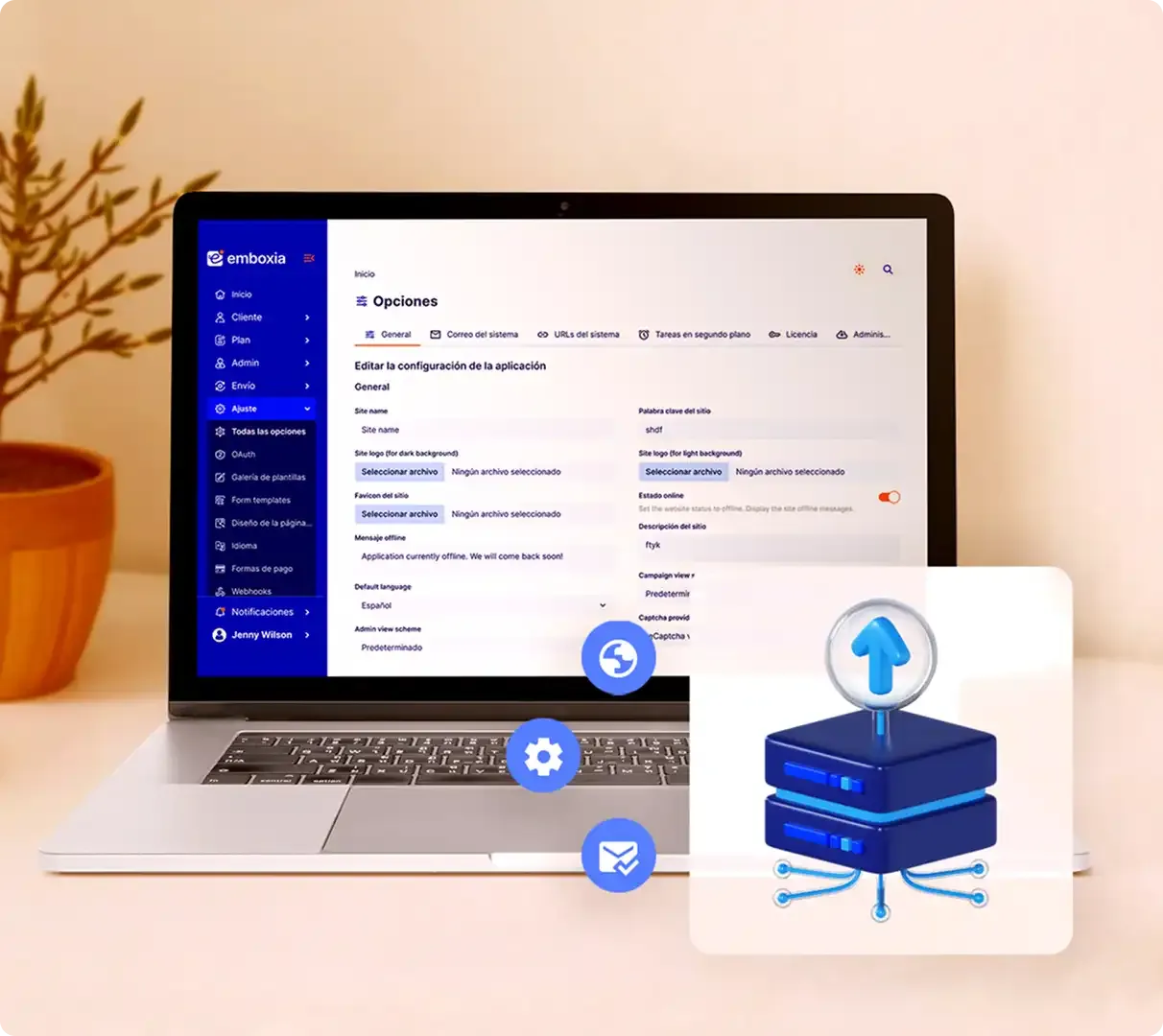
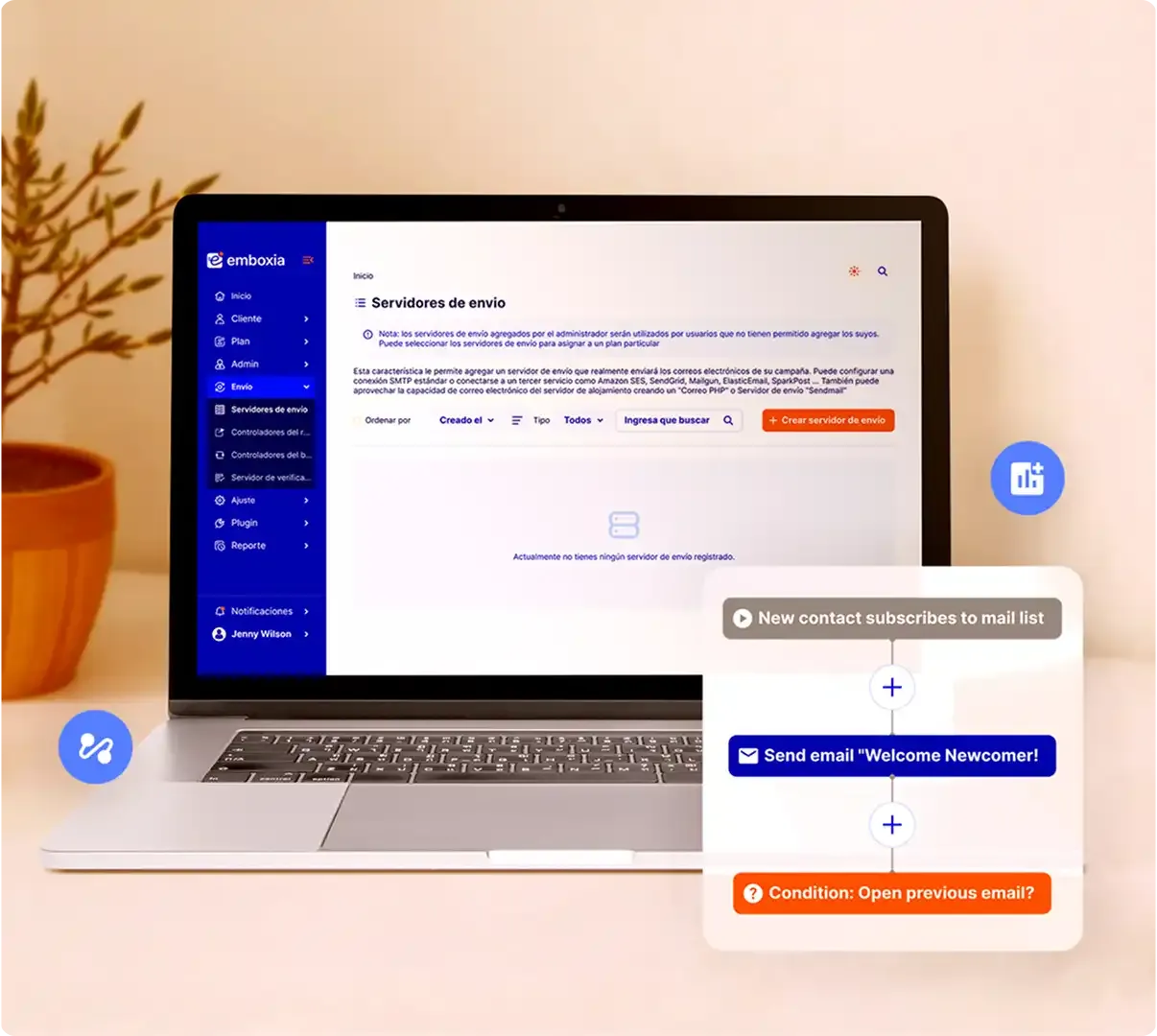
Emboxia is built for exactly that: connect your own SES or SMTP and everything else is already handled. You pay AWS prices for delivery and you do not depend on generic shared servers.
Pricing taken from the official Amazon SES pricing page in September 2026. AWS revises it periodically, so confirm before committing to a budget.