
Most agencies arrive at email marketing the same way: a client asks whether you “also do newsletters”, it gets handled inside whatever tool the client already has, and it stops there.
That is a wasted opportunity. Email marketing has a property few agency services do: it is recurring by nature. It is not a project you deliver and close; it is monthly work the client always needs.
This guide covers how to build it as its own service line, what margins to expect, and what to check before picking a platform.
What white label means, and what it doesn’t
White label means your client sees your brand, not your vendor’s. Depending on the platform that can reach different depths: from mail going out on the client’s own domain, all the way to a dashboard carrying your logo and your domain.
What it is not: holding a handful of separate accounts in a popular tool, one per client, each with its own invoice. That is administering someone else’s accounts. It does not scale, you do not control it, and the day the client decides to drop you, the tool stays with them and you walk away with nothing.
The two models, and which to pick
Platform reselling. You buy an agency plan, create one account per client, and bill them for access plus your management. The client can log in and see their campaigns. You control limits and permissions.
- Upside: predictable revenue, the client perceives a dedicated tool, margin on the software.
- Downside: you are first-line support.
Managed service. The client never logs into anything. You design, send and deliver the report.
- Upside: higher rate, full control, zero tool support.
- Downside: all the operational work is yours and it scales worse.
In practice what works is starting with managed service for two or three clients — it forces you to learn the operation — and moving to reselling once the process is solid.
Why add it even if it is not your specialty
- Recurring revenue. A steady monthly fee is worth far more than a one-off project of the same value.
- Retention. A client whose sends you manage churns much less than one you only produce design assets for.
- First-party data. Managing the list shows you what works, which feeds every other service you sell them.
- Cheap to start. You do not need to hire anyone. One template and a welcome automation already delivers value.
What to charge
There is no standard rate, but there is a structure that holds up. Three components:
- Setup (one-time). Migrating the list, configuring the domain with SPF, DKIM and DMARC, building templates and getting forms live. That is real, concentrated work; bill it separately.
- Monthly retainer. Covers an agreed number of campaigns, maintenance and reporting.
- Add-ons. Extra campaigns, new automations, designs outside the template.
The retainer goes up when you include strategy and copywriting, and down when the client supplies content and you only execute the send. Before setting a price, measure your real hours in month two: month one is always the most expensive and will skew the math.
On margin: your platform cost is spread across every client in the account. With a fixed-price agency plan, each client you add lowers the per-client cost. That is why the model improves as you grow, and why you want a plan priced by number of accounts rather than by contacts.
Ten things to check before choosing a platform
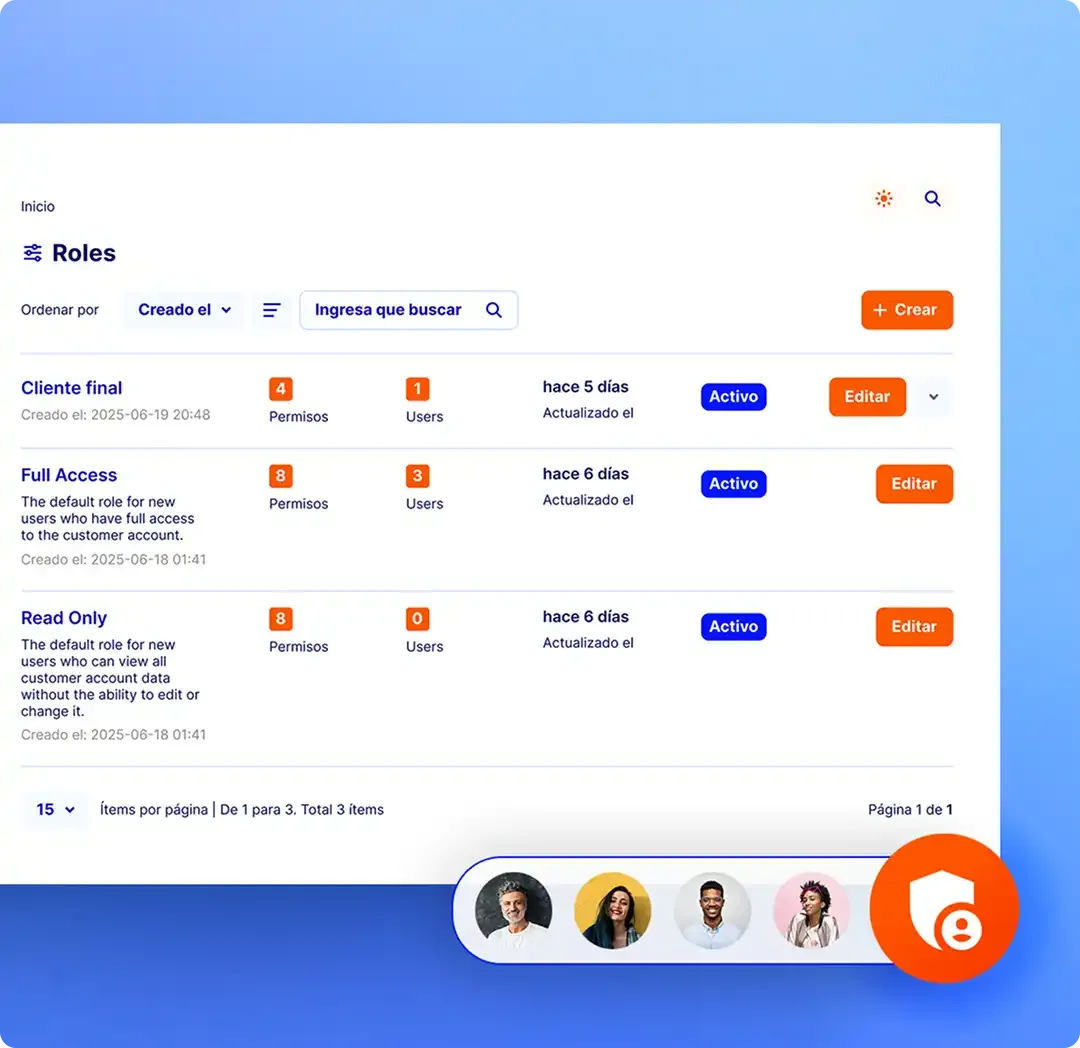
- Can you create and administer client accounts from a single dashboard?
- Are there per-account limits, so one client cannot eat another’s quota?
- Can you give the client read-only access and your team full access?
- Can each client send from their own verified domain?
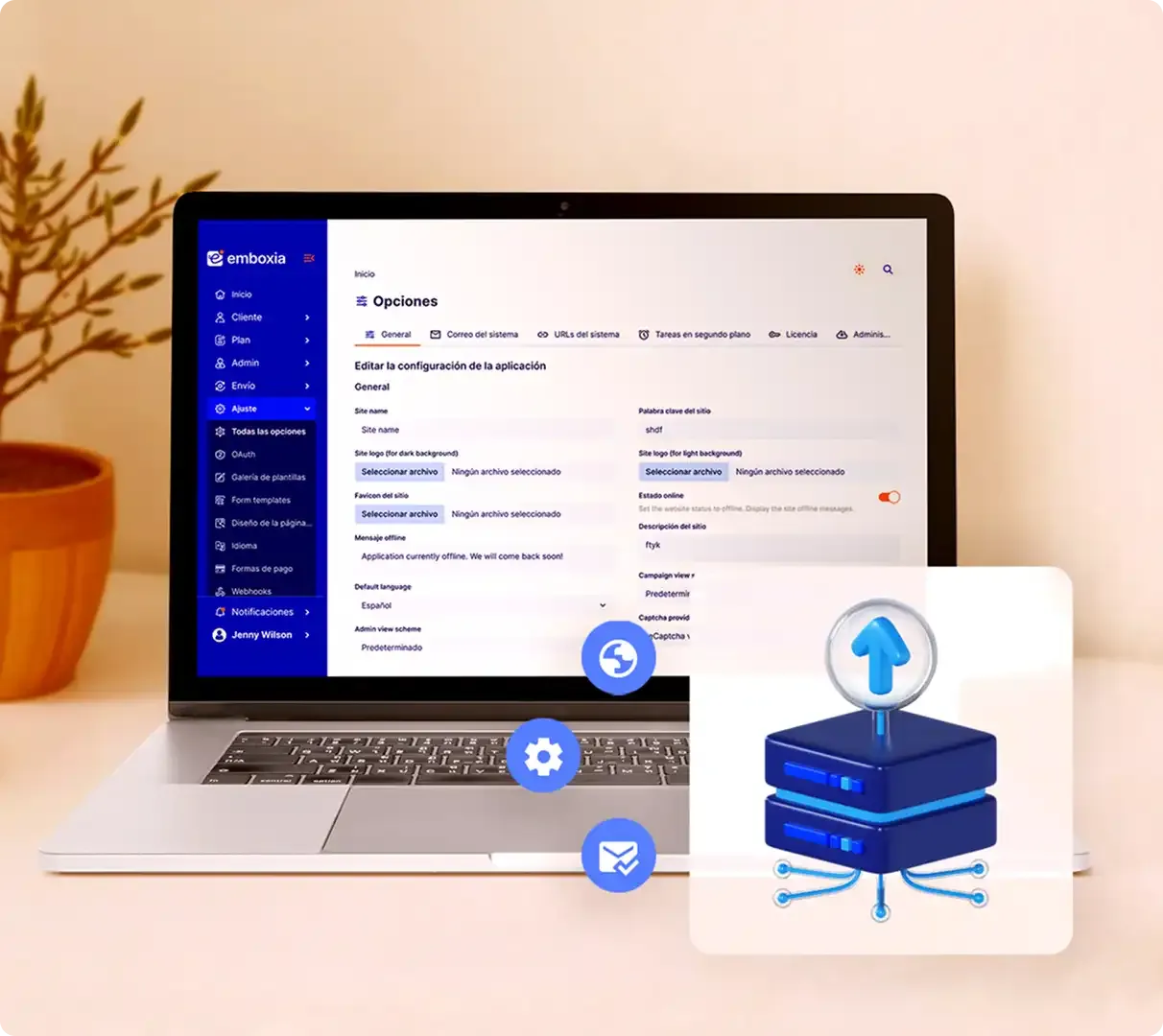
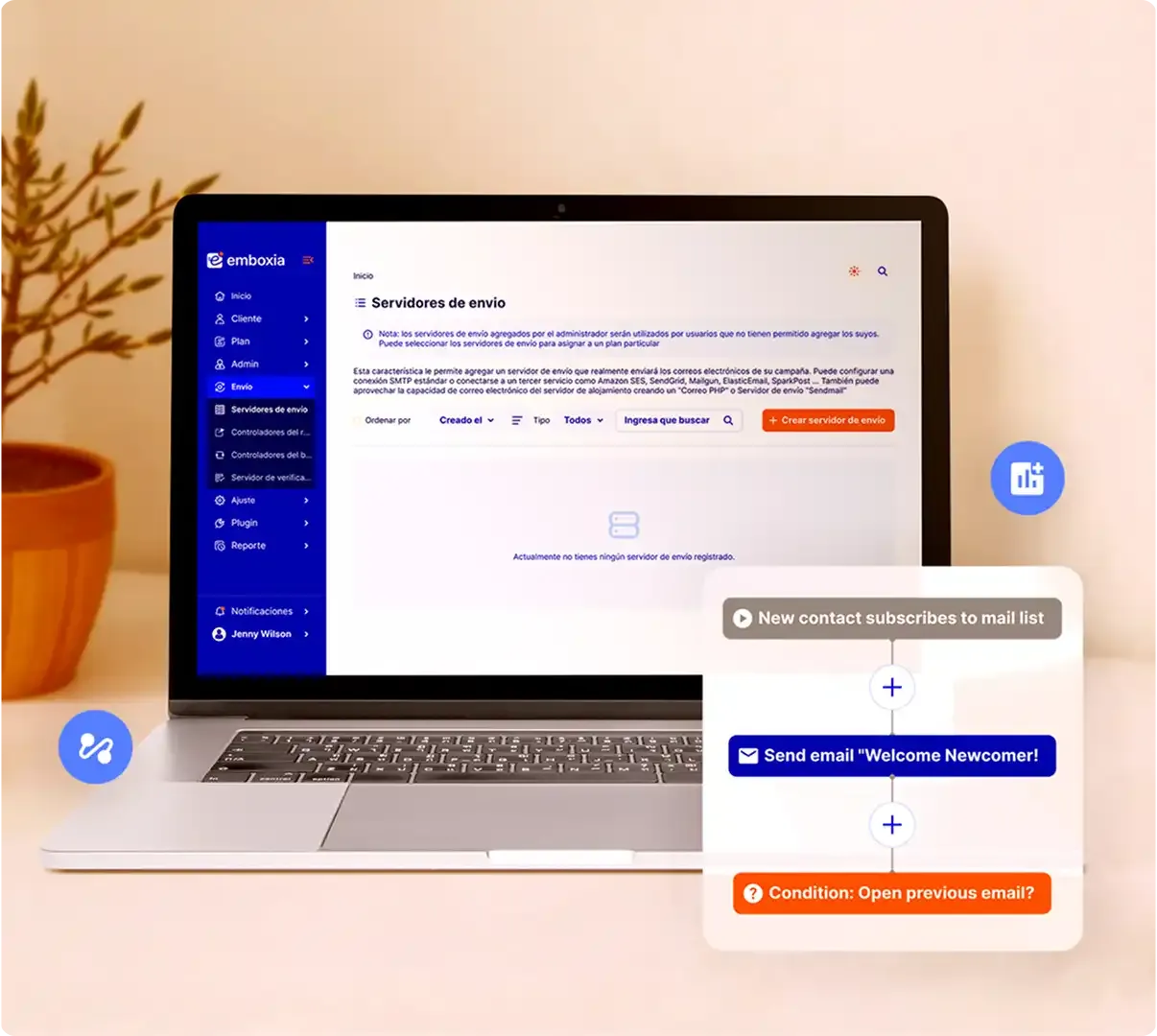
- Can you connect a different SMTP per client?
- Are reports exportable or shareable without granting dashboard access?
- Is there an API to automate client onboarding?
- Who owns the data if you leave tomorrow?
- Does support treat you as the agency, or send your client to a generic queue?
- Does pricing scale by accounts or by contacts? (Accounts is more predictable.)
The technical detail almost nobody mentions
This is the real risk in the model, and it is worth understanding before you sign anything.
If all your clients send from the same IP and the same shared sending domain, they share reputation. Which is another way of saying they share each other’s mistakes.
A single client who uploads a purchased list can sink deliverability for every other client in your agency at the same time. And you find out when three different clients email you on the same day saying their mail stopped arriving.
It fails quietly and it is painful to explain when it happens.
The way to avoid it is per-client isolation: each account sending from its own verified domain and, ideally, its own sending server. That way a client who does something careless damages only their own domain.
It is the difference between an isolated accident and a fire that takes your whole roster. Which is why being able to connect a separate SMTP per account stops being a technical detail and becomes a business decision.
Onboarding a client in a week
A process that works and repeats:
- Day 1 — Access and domain. Create the account and request DNS access. Publish SPF, DKIM and DMARC the same day: propagation and third-party checks take the longest.
- Day 2 — The list. Import contacts, strip bounces and duplicates, and document where each segment came from. If the client cannot explain a list’s origin, do not send to it.
- Day 3 — Templates. Build one master template with their brand and a signature. A good one covers nearly every campaign.
- Day 4 — Forms and welcome flow. Install the form on their site and switch on a welcome automation. It is the first visible result you can show.
- Day 5 — Test send. One real campaign to a small, engaged segment. It validates the setup and begins warming the domain.
- Days 6–7 — Report and calendar. Deliver the numbers from the test send plus the month’s plan. That first report is what makes the service tangible.
Contracts: three clauses that prevent trouble
- List ownership. Put it in writing: the contacts belong to the client, and you will hand them over if the relationship ends. It removes the biggest objection to hiring you.
- Consent origin. The client warrants that their contacts opted in. You cannot verify it, but you can refuse to send lists of dubious origin, and you want that refusal backed by the contract.
- Limits of liability. Define what happens if a send goes out with a content error, and what happens if the client insists on mailing a list you advised against.
Mistakes that burn the agency’s domain
- Sending from your own domain on a client’s behalf. Never. Use theirs.
- Accepting a purchased list “just this once”.
- Migrating an 80,000-contact database and mailing all of them on day one, with no warm-up.
- Not wiring bounce notifications, and mailing dead addresses for months.
- Sharing one account across several clients to save money. Data gets mixed, and that is a problem with both the client and data protection law.
Where to start
Do not wait until you have ten clients to build the model. Start with one, ideally someone who already trusts you and has a decent list. Run the full process, measure it, and use that case to sell the rest of your roster.
If you want to see how this looks with separate accounts, per-client limits and team permissions, it is all in the agency solution.